


In the world of digital marketing, measuring the effectiveness of each marketing effort is very important. Google Ads is one of the most powerful digital marketing options available for marketers because it has many features available to help them reach the right audience, optimize and improve performance, and increase sales. However, the most crucial element of Google Ads that marketers often overlook is the Google Ads Conversion ID.
In this guide, we will explain how to find your Google Ads Conversion ID and help you understand why it is important. As more marketers adopt Google Ads, we will also provide tips and useful insights on how to use them efficiently.
What Is the Google Conversion ID?
A Google Conversion ID often referred to as conversion id google ads is a unique numerical identifier automatically generated when you set up conversion tracking in Google Ads. This google ads conversion id helps Google track what users do after clicking your ads such as purchases, form submissions, signups, phone calls, or page visits.
The google ads conversion label works together with the Conversion ID to identify which specific action triggered the conversion event.

Why the Google Ads Conversion ID and Conversion Label Matter
Your conversion id google ads is essential because it allows Google to accurately track whether your advertising campaigns are actually driving results.
With correct tracking, you can:
- Measure ROI more accurately
- Optimize campaigns and bidding strategies
- Improve targeting with precise conversion data
- Allocate budgets based on high-performing actions
- Run effective retargeting and dynamic remarketing campaigns
The conversion label google ads identifies the specific conversion action (e.g., purchase vs. add to cart), while the ID identifies the account.
In simple terms:
- Conversion ID = Account-level tracking identifier
- Conversion Label = Action-level identifier
How to Find Conversion ID in Google Ads (Step-by-Step Guide)
Finding your Google Ads Conversion ID is quite simple. All you need to do is go to your Google Ads account and follow a few steps to copy your tracking Conversion ID, which is very important for monitoring your advertising metrics.
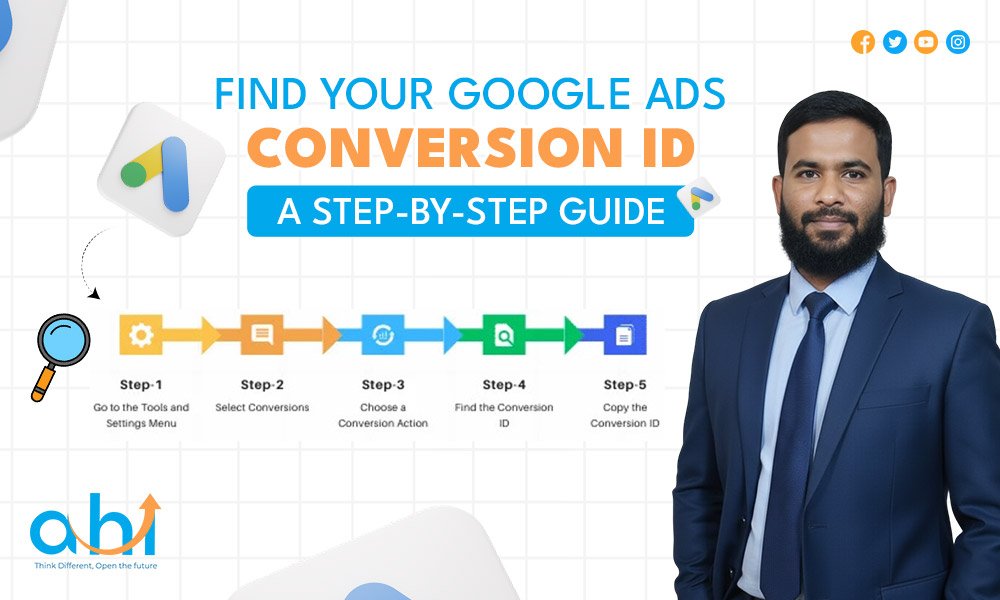
Now that we understand what the Conversion ID is, let’s explore the process of finding it in Google Ads. Fortunately, Google Ads makes this process relatively simple. Below is a step-by-step guide on how to locate your Conversion ID.
Follow these steps:
1. Sign in to Google Ads
Open your Google Ads dashboard and log in with your Google account.
2. Go to Tools & Settings
Click the wrench icon at the top navigation bar.
3. Select “Conversions”
Under the Measurement section, click Conversions.
4. Choose a Conversion Action
Click on the specific conversion you want to check (e.g., purchase, lead form, signup).
5. Open Tag Setup
Inside the conversion settings, open Tag Setup → Install the tag yourself or Use Google Tag Manager.
Here, you will see:
- Google Ads Conversion ID (numeric)
- Google Ads Conversion Label (alphanumeric)
6. Copy Both Codes
These values are required anywhere you implement your conversion tracking—Google Tag Manager, site code, or analytics tools.
What Is the Google Ads Conversion Label?
Many advertisers ask about the role of the google ads conversion label.
The Conversion Label identifies which type of conversion occurred for example:
- Purchase
- Add to Cart
- Signup
- Lead Form Submit
While the google ads conversion id identifies the account, the conversion label google ads identifies the exact event.
Both are required for accurate tracking.

Best Practices for Using Google Ads Conversion ID
Having your Conversion ID is only the first step. Using it to its full potential requires implementing best practices such as strategic use of tracking codes, optimizing your conversion actions, and ensuring your measurement strategy aligns with your business goals.
Here is a checklist of best practices to optimize your campaigns using Google Ads Conversion ID:
1. Implement ID + Label Correctly
Whether using Google Tag Manager or manually adding code, make sure the correct Google Conversion ID and Conversion Label are applied.
2. Use Google Tag Manager (GTM)
GTM ensures cleaner, more accurate tracking using google ads conversion id + google ads conversion label.
3. Create Separate Conversion Events
Track different actions, individual purchases, add to cart, lead forms, phone calls, app installs, etc.
4. Link Google Ads with Google Analytics
This adds better attribution and stronger reporting insights.
5. Use Conversion Data for Smart Bidding
Strategies like Maximize Conversions, Target CPA, and ROAS depend heavily on conversion tracking accuracy.
Understanding Custom Conversion IDs
Custom Conversion IDs are designed for tracking specific user interactions that go beyond standard conversions. These are helpful for niche tracking needs and more granular insights.
In addition to Standard Conversion IDs, Custom Conversion IDs let you create unique identifiers for specific actions that are crucial to your business. Such actions may include tracking user clicks on product pages or form submissions on landing pages.
These IDs offer deeper insights that allow for better campaign targeting. Custom-defined conversion actions enable you to observe actions not measured by basic conversion events like signups or purchases.

Frequently Asked Questions
Where to find conversion ID in Google Ads?
You can find the conversion ID in Google Ads by going to Tools & Settings → Conversions → select a conversion action → Tag Setup. Here you will see both the google ads conversion id and the conversion label google ads.
How to find conversion ID and label in Google Ads?
To find the conversion ID and conversion label in Google Ads, open Tools & Settings → Conversions → click on the specific action → Tag Setup. Both the numeric ID and alphanumeric label will be visible there.
What is the difference between a Conversion ID and a Conversion Label?
The google conversion id tracks the account-level conversion, while the google ads conversion label identifies which specific action (purchase, signup, etc.) was completed.
Is the Google Conversion ID the same for all conversions?
No. The google conversion id may remain the same across actions, but every conversion event has its own conversion label google ads.
Can you use the same Conversion ID in Google Tag Manager?
Yes. GTM tags require the google ads conversion id and google ads conversion label to properly track conversions.
Conclusion
Understanding and properly using the Google Conversion ID and Google Ads Conversion Label is essential for accurate measurement and smart optimization. When your google ads conversion id is implemented correctly, you gain reliable data that helps you identify which campaigns drive real value whether it’s leads, sales, subscriptions, or important website actions.
From optimizing bidding strategies to improving targeting through remarketing and enhancing automation, every decision becomes more effective when your tracking is accurate.
If you want long-term success with Google Ads, mastering how to find conversion ID in Google Ads and applying it correctly is non-negotiable.
Ready to Optimize Your Google Ads Campaigns?
If this has been useful to you, make sure to put what you’ve learned into practice and start optimizing your Google Ads campaigns for better results. Don’t forget to set up custom conversion actions, use conversion data for retargeting, and keep enhancing your strategies based on live data.
If you need expert assistance, feel free to contact me. As a professional Google Ads specialist with over 8 years of experience, I can help you drive better results, lower your cost-per-click, and maximize your ROI through tailored strategies.